Physical interaction and robot navigation in the release pipeline
The release pipeline rendered a static scene along a camera path. Two requests now put motion into the scene: an object is pushed, toppled, dropped or thrown, or a humanoid robot walks through. The motion comes from a rigid-body simulation in MuJoCo; its proxy video goes to the video model together with the photographs, as before.
How an interaction is simulated
- Every object that takes part gets a detailed shape. The reconstruction gives each object a box, and the box of a table fills the space under it. An agent names the objects that can be moved and the furniture that stays put; each gets a part template (chairs, bins, boxes, tables, desks) fitted to its outline in the photographs. Cabinets and doors keep their box.
- Every shape collides as it is drawn. No collision is switched off. A chair under a table stands between the table's legs and meets them when it is pushed into them.
- What cannot be modelled takes no part. An object whose fitted shape overlaps its outline by less than 0.5 has no detailed shape; nothing may touch it. A movable object that still stands inside a neighbour after modelling is not offered.
- A simulation is rejected when a moving object touches something without a detailed shape, when two shapes sink more than 3 cm into each other, or when the requested action does not happen. Another direction is tried, then a weaker push; else the request is refused with the reason.
- The generated video is checked for artifacts (an object passing through another included) and for agreement with the photographs; a failed chunk is regenerated with another seed, at most twice.
Meeting room, 9 photographs: a chair is pushed out from under the table
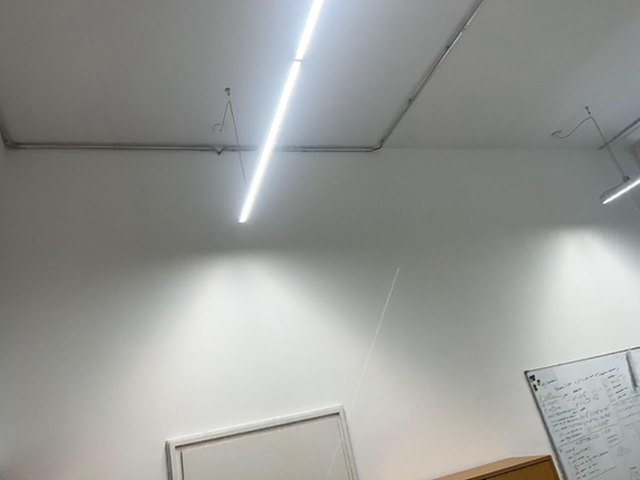
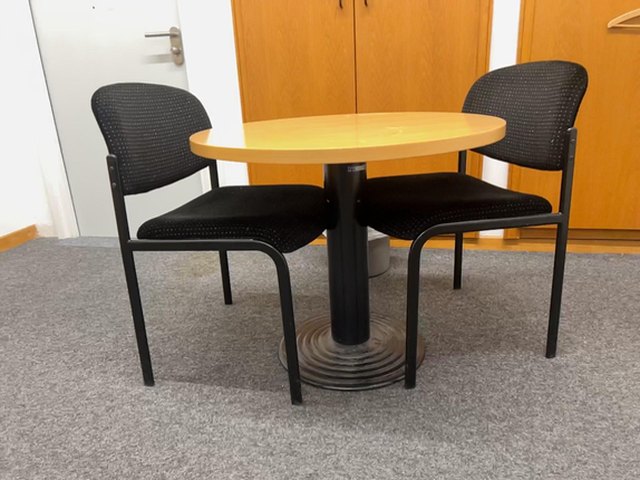
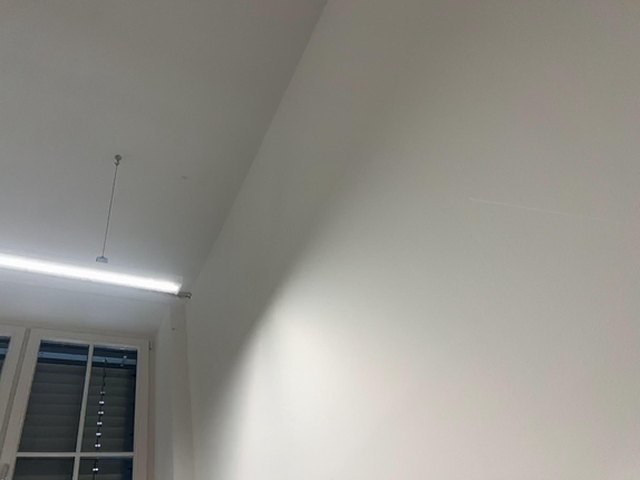
Input photographs (3 of 9)
| Object with a detailed shape | Role | Template | Outline overlap, fitted shape | Outline overlap, box | Actions offered |
|---|---|---|---|---|---|
| Round meeting table | stays put | round table on a column | 0.89 | 0.35 | – |
| Meeting chair | can be moved | four-legged chair | 0.75 | 0.32 | push, topple, low gravity, collide |
| Meeting chair | can be moved | four-legged chair | 0.65 | 0.26 | push, topple, low gravity, collide |
24 objects: 3 with a detailed shape, 6 solid ones that keep their box (cabinets, doors), 15 that nothing may touch. Examples of the last group: whiteboard: wall-mounted writing board; tall window assembly: fixed fragile glazing; monitor: fragile electrical screen; workstation monitor group: fragile electrical screens.
Request: push on meeting_chair_left, direction chosen automatically. 6 directions simulated, 1 rejected (for example: meeting_chair_left is stopped after 0.0 m). Bodies set free in the simulation: meeting_chair_left. Deepest overlap of any two shapes during the simulation: 4 mm.
What the simulation gave the prompt
- 0.0–1.2 s: meeting_chair_left moves 0.5 m away from the camera, staying upright; meeting_chair_left hits a wall
- 1.2–5.2 s: nothing moves
Check of the generated video: 0 regenerations with another seed; chunk 1 passed (artifacts 0, match 0, 0 best to 3 worst).
Office, 9 photographs: the blue bin is toppled
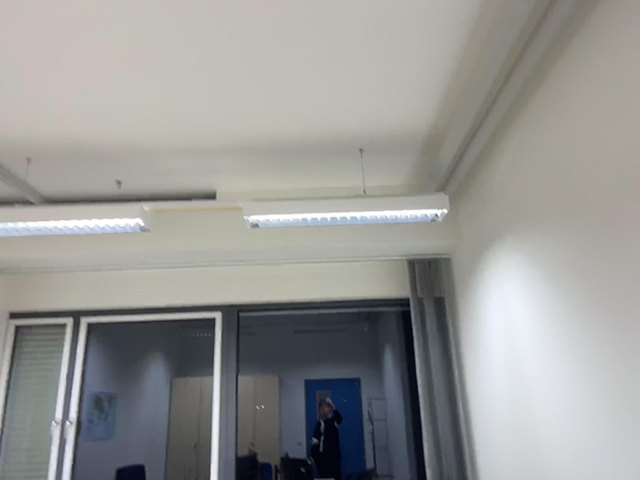
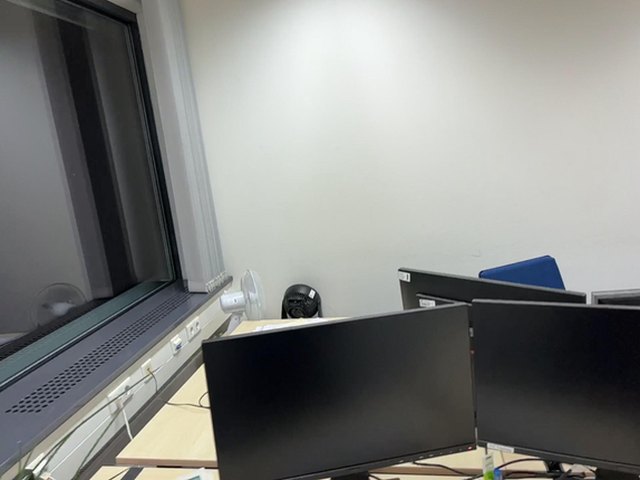
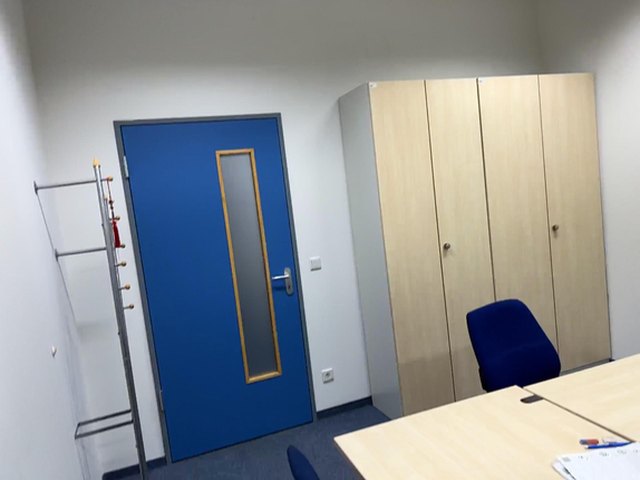
Input photographs (3 of 9)
| Object with a detailed shape | Role | Template | Outline overlap, fitted shape | Outline overlap, box | Actions offered |
|---|---|---|---|---|---|
| Black waste bin | can be moved | round bin or cone | 0.94 | 0.80 | push, topple, throw, low gravity, collide |
| Blue waste bin | can be moved | round bin or cone | 0.97 | 0.77 | push, topple, throw, low gravity, collide |
18 objects: 2 with a detailed shape, 3 solid ones that keep their box (cabinets, doors), 13 that nothing may touch. Examples of the last group: suspended ceiling light: suspended electrical fixture; blue swivel chair: no template reaches its shape (outline agreement 0.36, needed 0.5); blue visitor chair: as modelled it stands 47 cm inside desk_bank, which has no detailed shape; blue office chair: base and armrest configuration obscured.
Request: topple on bin_blue, direction chosen automatically. 3 directions simulated, 2 rejected (for example: bin_black touches coat_rack at 0.61 s, which has no detailed shape (Open rack fits no movable template)). Bodies set free in the simulation: bin_blue, bin_black. Deepest overlap of any two shapes during the simulation: 2 mm.
What the simulation gave the prompt
- 0.0–5.2 s: bin_blue moves 0.3 m toward the camera, and ends lying on its side; bin_black moves 0.3 m toward the camera, and ends lying on its side; bin_black and bin_blue meet
Check of the generated video: 0 regenerations with another seed; chunk 1 passed (artifacts 0, match 0, 0 best to 3 worst).
Car park, 1 photograph: one cone is pushed into the other
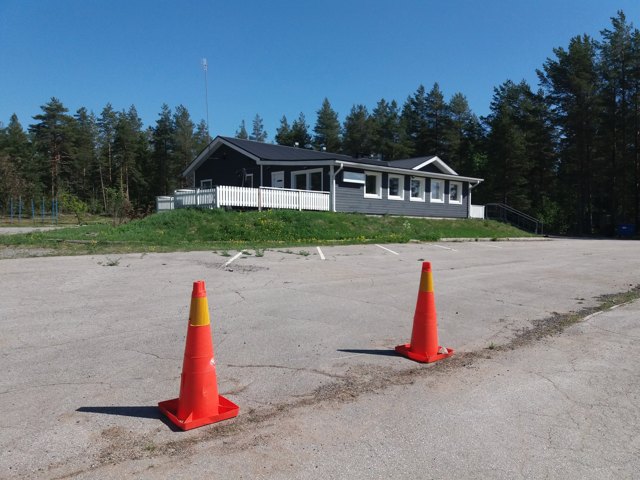
Input photograph
| Object with a detailed shape | Role | Template | Outline overlap, fitted shape | Outline overlap, box | Actions offered |
|---|---|---|---|---|---|
| Orange traffic cone with reflective band | can be moved | round bin or cone | 0.83 | 0.42 | push, topple, throw, low gravity, collide |
| Orange traffic cone with reflective band | can be moved | round bin or cone | 0.86 | 0.41 | push, topple, throw, low gravity, collide |
7 objects: 2 with a detailed shape, 0 solid ones that keep their box (cabinets, doors), 5 that nothing may touch. Examples of the last group: raised grass bank: fixed terrain covered in vegetation; single-storey grey wooden house: building structure, not an eligible support fixture; pine tree line: living vegetation.
Request: collide on cone_left toward cone_right. 1 direction simulated, 0 rejected. Bodies set free in the simulation: cone_left, cone_right. Deepest overlap of any two shapes during the simulation: 7 mm.
What the simulation gave the prompt
- 0.0–0.5 s: cone_left moves 1.2 m to the right and 1.2 m away from the camera
- 0.5–5.2 s: cone_left moves 1.0 m to the right and 1.3 m away from the camera, ending 0.3 m lower, and ends lying on its side; cone_right moves 0.1 m, staying upright; cone_left and cone_right meet
Check of the generated video: 0 regenerations with another seed; chunk 1 passed (artifacts 1, match 0, 0 best to 3 worst).
Robot navigation: the meeting room
A Unitree G1 walks with its pretrained walking policy in MuJoCo. The route stays on floor that the photographs show, at least 0.35 m from every object and wall; anything the photographs' depth shows standing above the floor blocks it too, reconstructed as an object or not. One walk gives two videos.
Route of 2.9 m at 0.5 m/s, chosen automatically, 214 frames. In the simulation the robot stays within 12 cm of the route and tilts at most 5.8°.
Camera following the robot (two reference pictures of the robot are given to the model)
Check of the generated video: 0 regenerations with another seed; chunk 1 passed (artifacts 1, match 0, 0 best to 3 worst), chunk 2 passed (artifacts 1, match 0, 0 best to 3 worst).
The robot's head camera (no reference pictures)
Check of the generated video: 0 regenerations with another seed; chunk 1 passed (artifacts 1, match 0, 0 best to 3 worst), chunk 2 passed (artifacts 1, match 0, 0 best to 3 worst).
Not covered
- One interaction was generated per scene and one robot walk in one scene. Drop, throw and low gravity were run in the simulation only.
- Every chunk passed the check at the first attempt, so the regeneration with another seed did not run here.
- Rigid bodies only: no doors, drawers, cloth or liquids. One action on one object per request.
- Furniture that no template reaches stays untouchable. In the office the group of desks was reconstructed as one object and no desk template reaches it, so the chairs under it are not offered.
- The agent's list varies between runs: an object accepted in one run can be refused in another.
- The robot only walks and touches nothing. Scenes without a level floor in the photographs, or with too little bare floor in them, are refused.